
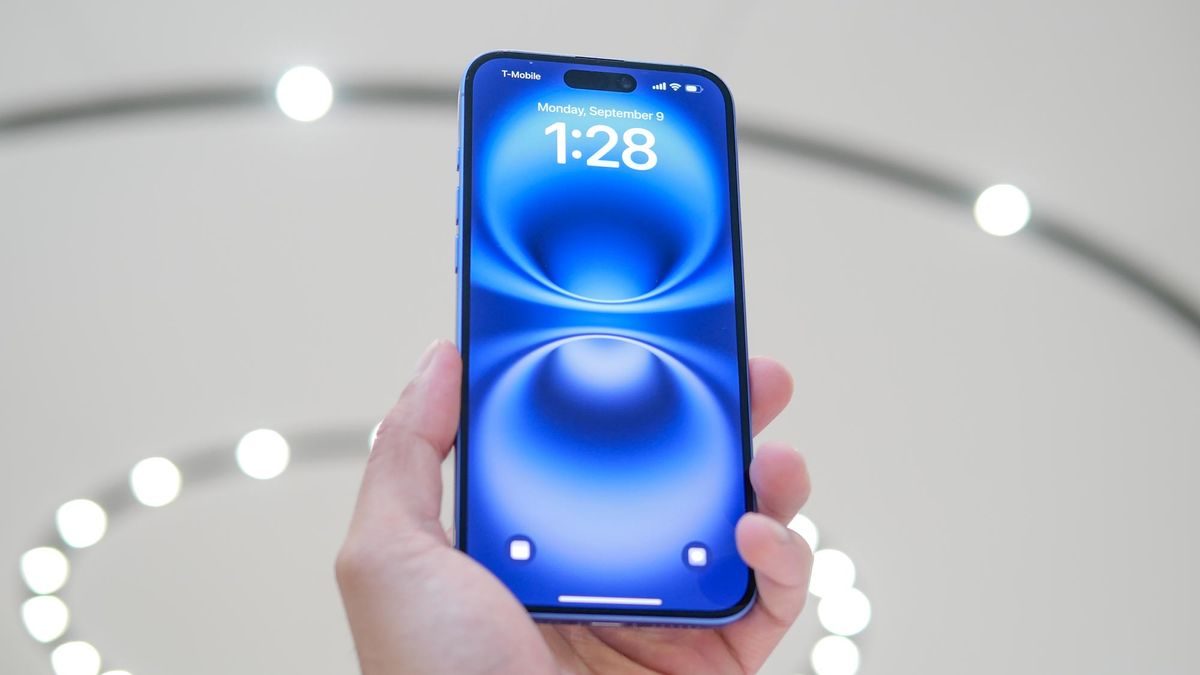
IPhone battery
iPhone users have grown rapidly in the last few years. Whenever a new iPhone model is launched, its craze is made on seeing it. The iPhone cannot be called just a smartphone. It has now become a status symbol. Due to expensive phones, people use the iPhone for a long time. In such a situation, if the battery of the iPhone gets spoiled, then there may be heavy losses. The old battery may blast and the problem of repeated charging is different.
When to change iPhone battery?
If your iPhone is old and you want to check when its battery should be replaced, which is very easy. Apple has given centers for this on iPhone, through which you can check the capacity of the battery. If the maximum capacity of your iPhone’s battery is 80% or less then you need to replace it.
- For this, you have to go to the settings of the iPhone.
- Here you go to the battery option.
- Then tap battery health and charging and check the maximum capacity of the battery.
As soon as the battery capacity is reduced, your iPhone will start to shut down again and again. Apart from this, you will be able to use it for a very short time even after making full charge of the phone. Also, you will see symptoms of inflammation in the back panel of the iPhone. In the common language, the back panel starts flourishing, which indicates to change the battery of your iPhone.
Benefits of changing battery on time
Changing the battery of the iPhone on time increases the life of the phone. If you have taken the plan of Apple Care+, then you will not have to pay any additional charge to replace the battery. When the battery capacity is 80% or less, you can request for this in Apple Care. If, Apple Care+ does not have a subscription, then for this you have to pay the price of the battery.
Also read –
Online sale or cheating ‘game’? The biggest fraud happening in the name of the iPhone 16 deal?