
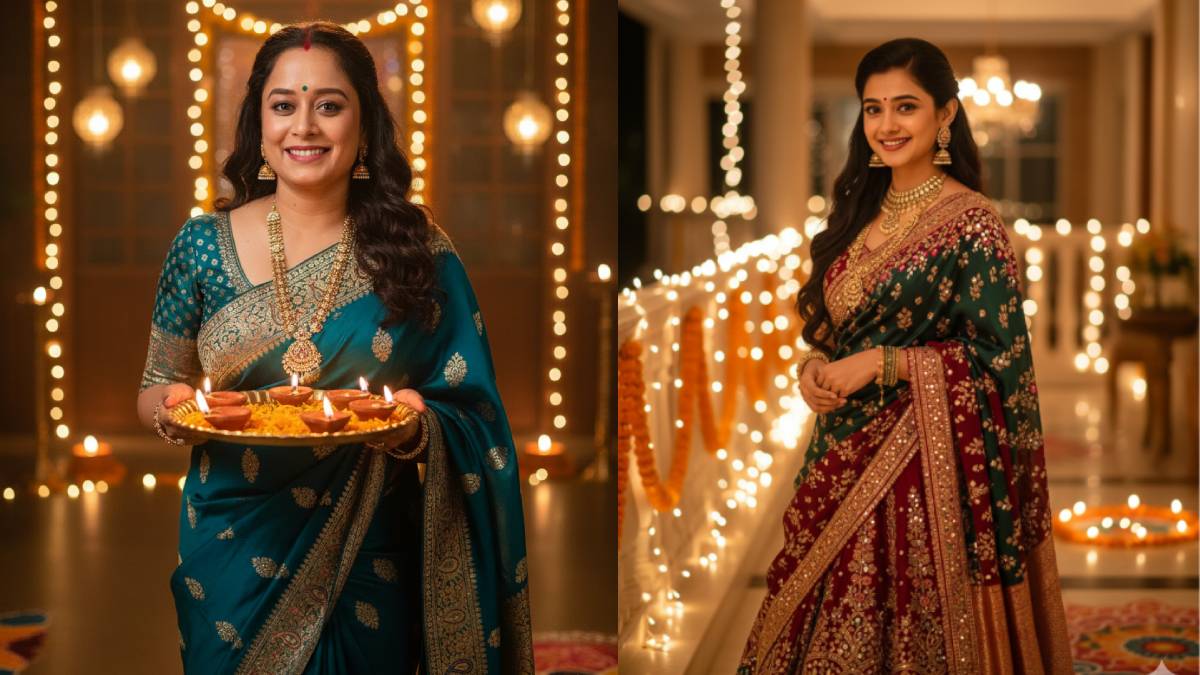
Happy Diwali Look
On the occasion of Diwali, if you also want to upload photos that look like Bollywood celebrities on social media, then the recently launched Nano Banana feature of Google Gemini can help you. Google rolled out this feature last month. After the introduction of this feature, it became very popular among Gen-Z i.e. youth. On social media platforms, users created and uploaded many photos of their retro, miniature, 3D, portrait looks with the help of Google Gemini AI.
If you also want to upload a Diwali look photo of your choice on social media, then you can use some easy prompts in Google Gemini AI. With the help of these simple prompts, you can create a picture of Diwali look of Bollywood celebrities of your choice.
How to make Diwali look photo?
- For this, first of all you have to go to Google Gemini app or Google AI Studio.
- This Nano Banana AI feature of Google can be accessed through this tool.
- Use the prompt as per your choice in the command option given below.
- If you want to use your own photo, tap or click the ‘+’ next to it.
- After this, upload the photo of which you want to create Polaroid image.
- Later you will have to click on Run or Enter button.
Use these easy prompts
- Generate bollywood celebrity look a like protrait image in the occasion of diwali, subject face should look similar of uploaded image.
- Generate bollywood celebrity look a like protrait image in the occasion of diwali, subject face should look similar of uploaded image with diya’s plate in hand.
- Generate a bollywood celebrity look like image of diwali celeberation with lot of crackers, candles, diyas, subject face should look similar to the uploaded image.
- Generate Happy Diwali image with a traditional look, featuring a face similar to the uploaded image.
Also read –
DoT crackdown on Airtel, fine of lakhs imposed for violation of subscriber norms