
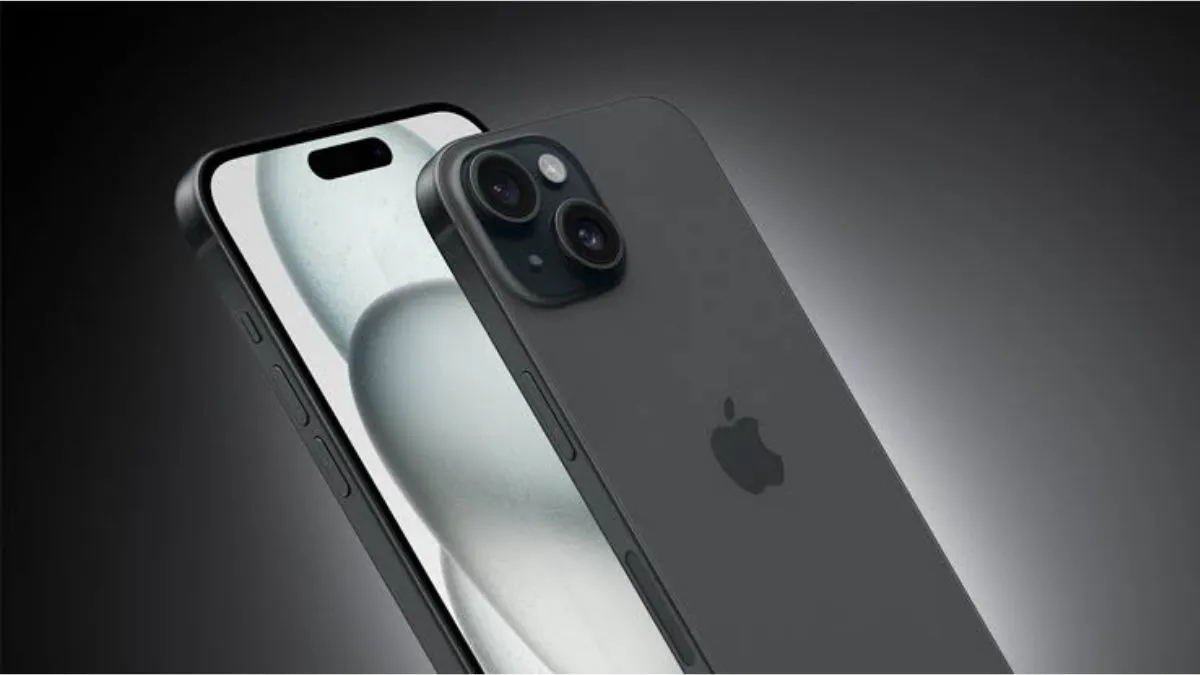
iPhone
iPhone Battery Saving Tips: iPhone users always have to carry a charger or power bank with them. Most iPhone users are troubled by this problem. If you are also an iPhone user and the battery drains quickly again and again, then you no longer need to worry. We are going to tell you some such settings of iPhone, which will increase the battery life of your iPhone.
Like Android smartphones, iPhone also has many apps which remain open in the background and use the phone’s battery. We often do not pay attention to these apps and the phone battery drains rapidly. Apart from this, there are many hidden settings provided in the iPhone, which not only protect the phone’s battery from getting discharged but also increase the battery life of the iPhone.
These methods will be useful
Actually, most of the battery consumption of a smartphone is due to background apps. Because of this, even if you do not use it, the battery drains quickly. You have to go to your iPhone and turn off the background app refresh feature. For this you will have to go to the settings of the iPhone. Go to the General option given here, tap on the Background App Refresh option and select the app and turn it off. If you want, you can keep it on for some apps. With this, you may see improvement in the battery backup of your iPhone.
turn off auto brightness
Even if you turn off auto-brightness and motion effects in iPhone, the phone’s battery is saved. These features keep consuming the iPhone’s battery continuously. In such a situation, if not needed, you can turn off these features. To turn off the auto-brightness feature, you have to go to the iPhone’s settings. After this, go to the Accessibility option and go to Display and Text Size and turn off auto-brightness.
reduce motion on
Talking about motion, for this you will have to go to Settings again and go to Accessibility. After this you have to tap on the motion option and then tap on Reduce Motion and turn on the setting. In this way the motion of the phone’s display will be reduced and battery consumption will be reduced.
This will also save battery
There is a Raise to Wake feature in iPhone, due to which the screen turns on as soon as the iPhone is picked up. If you disable this feature also, you can save the phone’s battery. For this again you will have to go to Settings. After this, go to the Display and Brightness option and tap on the Raise to Wake option and turn it off.
Also read –
Camera, design and features of iPhone 18 leaked, know everything before launch