
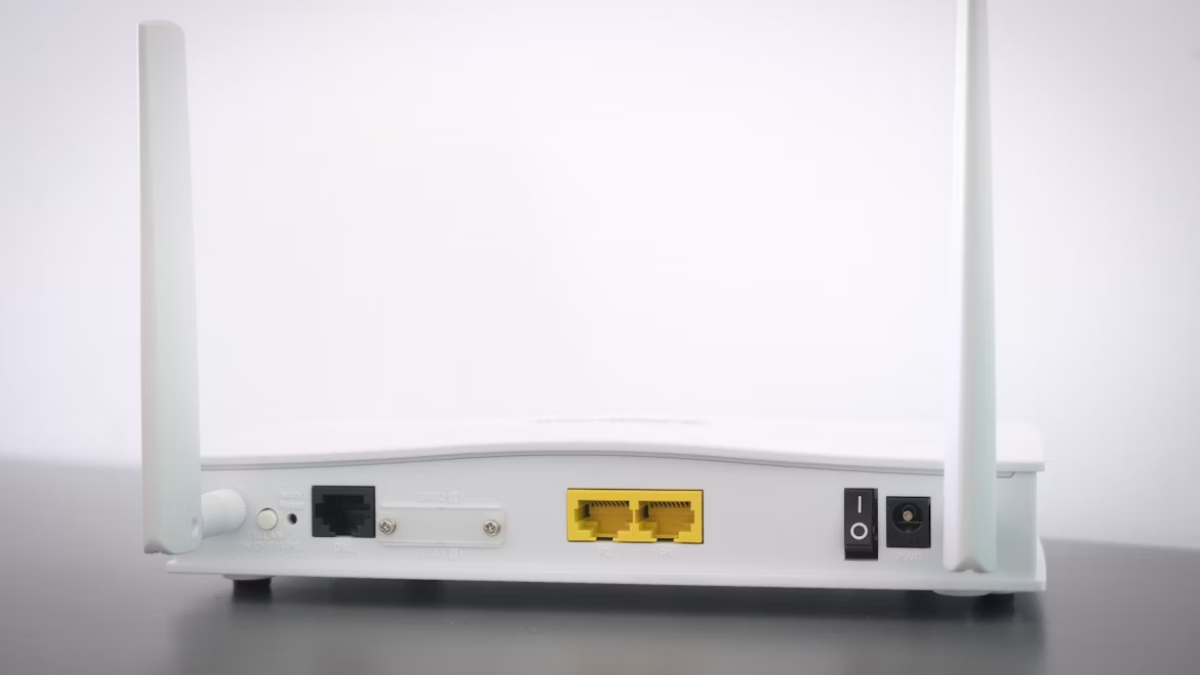
Wi-Fi Speed
Are you troubled by the slow speed of WiFi in your home? Before calling internet service providers, you can increase the internet speed of your home by making some settings. Starting from the position of the router installed to run the internet, some important settings will make your work easier. Internet has become a necessity for everyone nowadays. In such a situation, if the internet speed becomes slow then many works come to a halt. Come, let us know about what things should be kept in mind to increase the speed of internet at home…
Check the location of WiFi router
One reason for slow speed of Wi-Fi is the position of the router installed in the house. If the home router is installed in a corner where there is a wall nearby, then the internet speed may be affected. Especially the devices connected to Wi-Fi like smartphones, tablets etc. do not get proper internet speed. Having walls around the router interferes with the signal, which can slow down the internet speed.
In such a situation, if there is only one Wi-Fi router installed in the house, then keep it in the middle of your house so that you can get the same Wi-Fi speed in the entire house. Especially in multi-storey buildings, users face difficulty in receiving Wi-Fi signal. In such a situation, you can use a Mesh router which works to boost the Wi-Fi signal.
If there are any electronic devices near the Wi-Fi router, such as refrigerator, large appliances, etc., then they can affect the Wi-Fi signal. In such a situation, install Wi-Fi at a place where there are no big appliances so that the signal strength remains intact and good connectivity is available in the entire house.
If there is a bend in the wire in a router with optical fiber, the internet speed can also be affected. In such a situation, keep in mind that the wire connecting to the router should not be bent anywhere. In this way your router will get proper signal and connectivity will be better.
Also read –
Tecno Pova Slim 5G Review: Thin smartphone at low price, stylish design, attractive features