
digilocker app
Amidst the ongoing news regarding the necessity of Sanchar Sathi app, the government has issued a warning regarding another government app DigiLocker. The Ministry of Electronics and Information Technology (MeitY) has issued a warning to users asking them to beware of fake DigiLocker apps available on Google and Apple apps. Fake apps can steal personal information of users and pass it on to cyber criminals, due to which there is a possibility of major fraud.
The government warned users to download only the genuine DigiLocker app from Google Play Store and Apple App Store. At present, many fake DigiLocker apps are available on Google and Apple App Store, which is a matter of concern. Cyber criminals try to steal personal information of users through these fake apps. After this they commit an incident of cyber fraud.
What is DigiLocker?
This is a government app, where you can store your personal and official documents. DigiLocker app is linked to your Aadhar card. In this, apart from government documents like driving license, educational certificate, certificates, PAN card, degree, you can keep your personal documents safe. If you accidentally download a fake DigiLocker app, then all these documents and your personal information can reach cyber criminals.
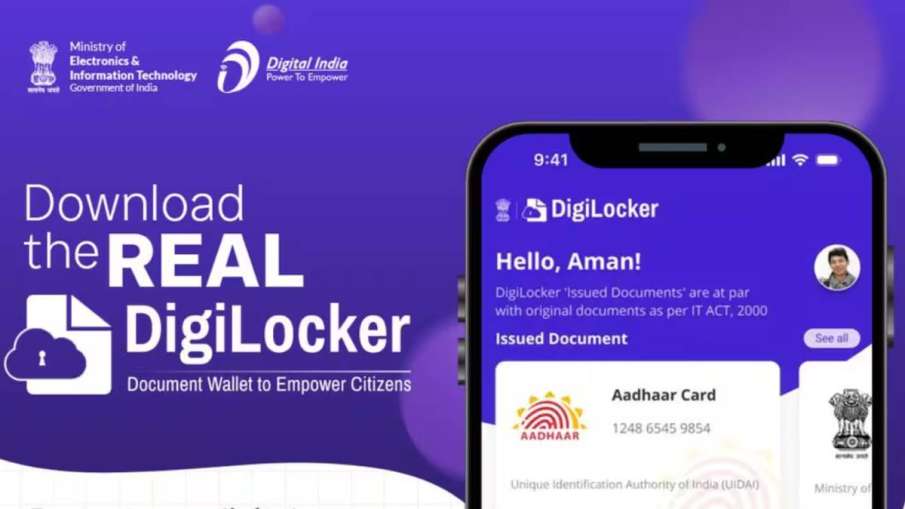
digilocker app
How to identify real or fake app?
Before downloading DigiLocker app from Google Play Store or Apple App Store, you have to go to the information section of the app. Here you will see the name of the government department as the app developer. If the name of any third party developer appears in the information section of the app, then avoid downloading it.
You will see many types of mistakes in fake apps, starting from spelling mistakes. These may show strange terminology or bad icons. Report these apps immediately.
Apart from this, you can download the app by visiting the official website of MeitY and DigiLocker. Here you will get QR code to download the app from Google Play Store and Apple App Store.
Also read-
If you don’t want Sanchar Sathi app, you can delete it, government made it clear