
digital life certificate
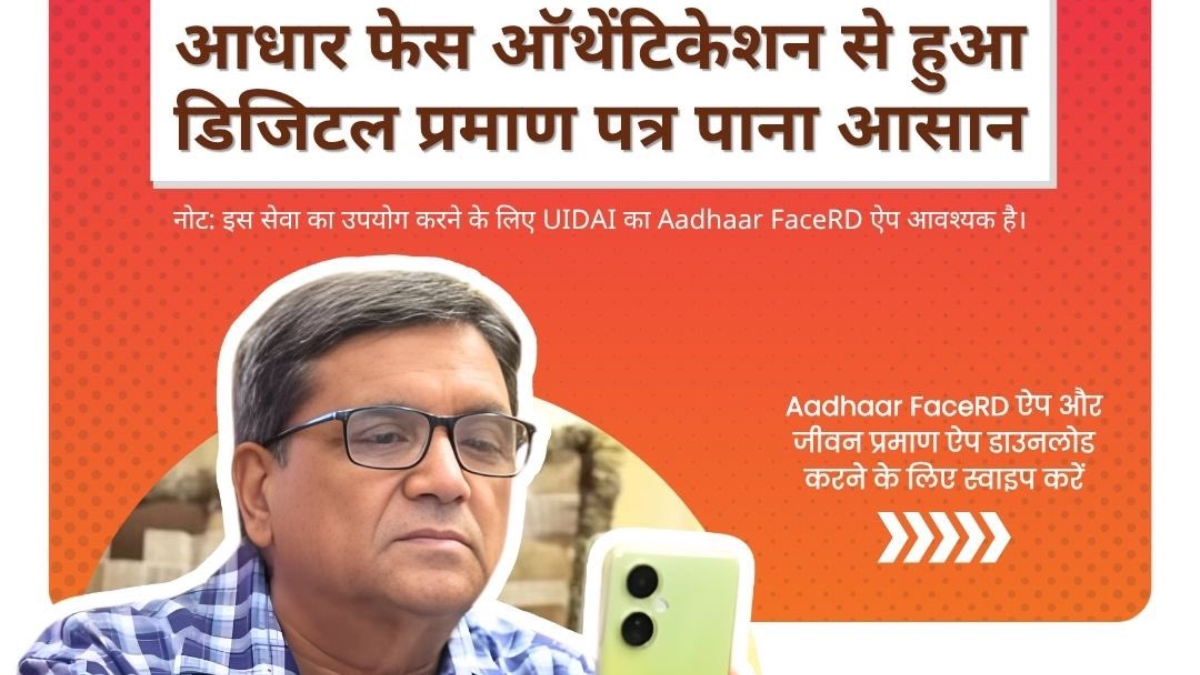
Digital Life Certificate: Elderly pensioners and family pensioners who have worked in government jobs and offices like banks etc. have to submit life certificate or life certificate by the end of November every year. This year too, this exercise is going on in the month of November and lakhs of elderly pensioners and family pensioners are submitting their life certificates either by visiting the respective offices or through digital mode. UIDAI, the Aadhaar issuing organization which is providing the facility of face authentication through Aadhaar, has told how retired pensioners can create digital life certificate while sitting at home through only two apps. From now on, pensioners can get their digital life certificate made and submitted while sitting at their home. For this they should have knowledge of AadhaarFaceRD app.
For this two sequential steps have to be completed
First, pensioners can do their face authentication through the AadhaarFaceRD app and then the certificate can be made sitting at home through the Jeevan Pramaan app. After doing face authentication with AadhaarFaceRD app, one can generate life certificate from here by going to JeevanPramaan app.
UIDAI has again posted a post on social media platform
How to do face authentication
- First of all download Aadhaar FaceRD app from Google Play Store and then download JeevanPramaan app.
- FaceRD will start appearing in the App Manager on your phone.
- After downloading both the apps, open the Jeevan Pramaan app.
- Fill the information asked on the screen.
- In this, click on the Aadhaar checkbox.
- Enter Aadhaar number and mobile number.
- After this enter the email address and click on the submit button.
- Face authentication certificate will be created
- After this, an OTP will come on the mobile number and mail ID which you have to fill.
- After this the app will ask for permission for face scan.
- After giving consent, click on the checkbox and press the submit button to continue the process.
- After face authentication, some basic information will be asked again on the screen.
- After filling them, submit them.
After this your life certificate will be ready.
This process of making a life certificate is completely easy and risk free and the elderly can do it with a little help from someone or even on their own. Regarding this, UIDAI had also explained the complete process step by step through a detailed video post a few days ago, how step-by-step you can do the process of face authentication and life certificate.
Read also
Where and how to get discount of up to Rs 3500 on One Plus Nord 5, you can buy a phone with 512 GB storage cheaply