
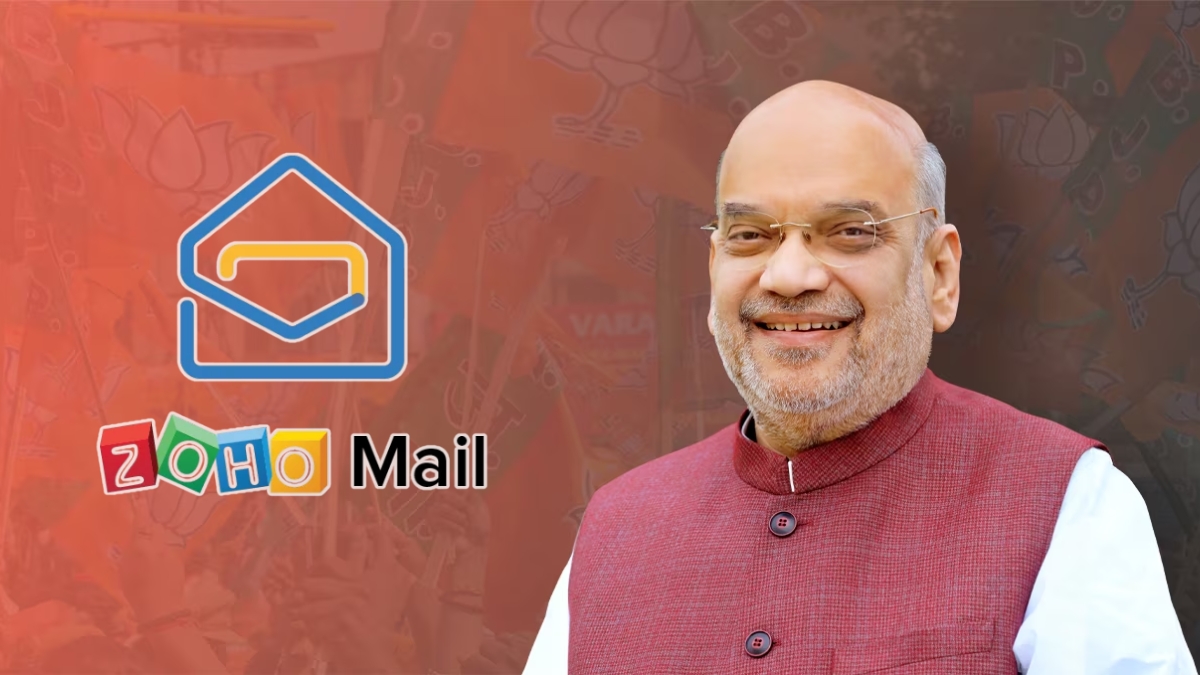
Home Minister Amit Shah on Wednesday changed his email platform from Gmail to Zoho Mail.
Another big step has been taken towards promoting Made in India technology in India. The country’s Home Minister Amit Shah officially announced on Wednesday, 8 October 2025 that he has now changed his email platform from Gmail to Zoho Mail. He himself shared this information on social media platform X (formerly Twitter), where he also shared his new email ID. Shah said that now all future government and official emails should be sent on this new ID.
This step not only sends a strong message towards digital self-reliance, but also shows that technology developed in India is now capable of competing at the international level. Indian tech company Zoho Corporation has created Zoho Mail, which is being considered as an indigenous alternative to foreign platforms like Gmail and Microsoft Outlook.
Zoho founder Sridhar Vembu has also expressed happiness over this step of Amit Shah and said that this is a proud moment for India’s mission of technological self-reliance. Zoho’s own chatting app Arattai has also been in the news in recent times, especially since Prime Minister Narendra Modi talked about promoting the use of Made in India apps.
How to Switch from Gmail to Zoho Mail?
- Visit Zoho Mail’s site and sign up by choosing a free or paid plan. Set up your mobile number and recovery email.
- Go to Gmail → Settings → Forwarding and POP/IMAP and turn on Enable IMAP. This will allow Zoho to access your Gmail data and perform the migration.
- In Zoho Mail, go to Settings → Import/Export or Migration Wizard. From here you can import emails, folders, and contacts from Gmail. This process may take some time for larger mailboxes, so be patient.
- Go to Gmail’s Settings and turn on forwarding to your new Zoho address so that new incoming emails reach Zoho as well. Don’t forget to verify.
- Update the new Zoho email to your bank, services, social-media and subscriptions. Also share the new ID by sending a note to your contacts.
- Back up with Google Takeout. Turn on 2-FA (two-factor authentication) in Zoho and set up a signature/auto-responder.
Note: Keep auto-reply on for old Gmail and run both mailboxes together for a few weeks so that no mail is missed.