
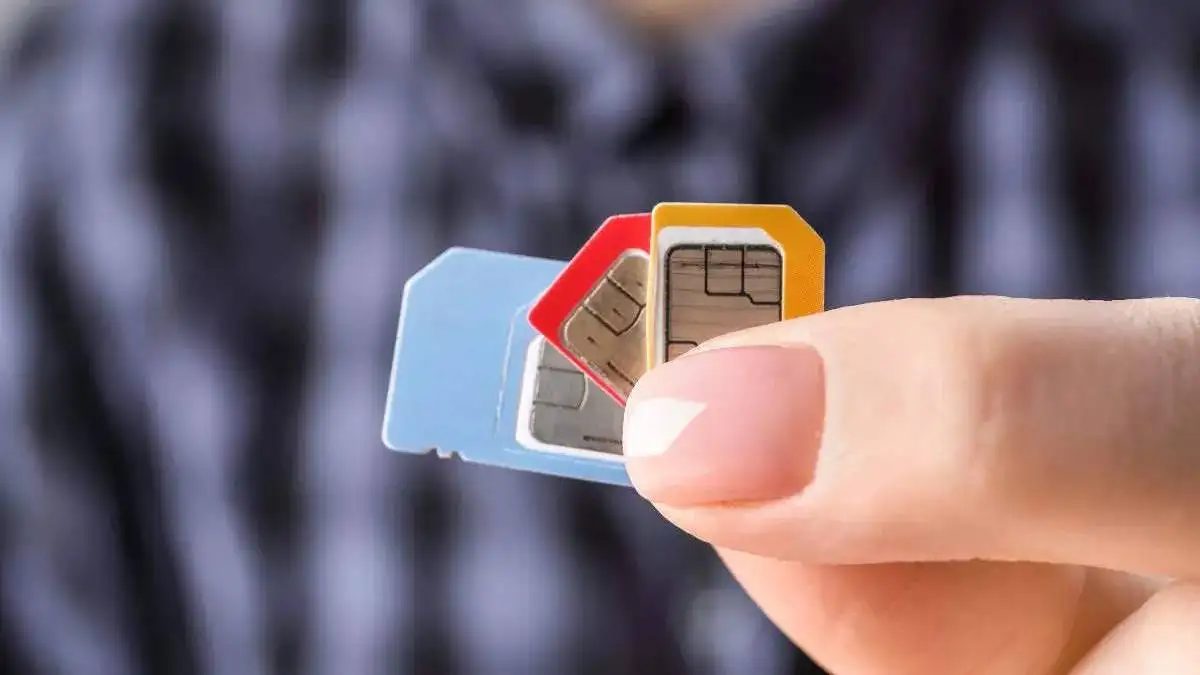
E-SIM (symbolic photo)
BSNL has recently launched ESIM service in select telecom circle. At the same time, private telecom companies Airtel, Jio and VI (Vodafone Idea) already offer e-SIM cards. ESIM also works like a physical SIM card, which works to provide better network connectivity to users in e-SIM support devices. You can enjoy e-sim service in phones like Apple iPhone, Google Pixel, Samsung Galaxy S Series. Come, know about how to activate e-SIM …
Physical SIM card is likely to be worn or spoiled, but e-sim is not spoiled. However, caution needs to be taken when using e-sim. By accidentally deleting it from the phone, the network can disappear from your phone.
How to request for ESIM?
JIO users can request this from the MyJio app or by visiting the nearest Jio Store, they can apply for ESIM.
Airtel and VI users can also apply for this from the official app. Apart from this, users can apply for e-SIM by calling 121 from their mobiles and SMS. For this, you should type ESIM_ registered email address on 199.
BSNL users have to visit the nearest Customer Service Center to apply for e-SIM. For the application of ESIM, you have to get KYC done, which will require your Aadhaar card.
- After this, a QR code for ESIM will be received on your registered email.
- Then go to the settings of your phone and go to the mobile network or service option and click on Add ESIM or Download ESIM.
- Then select the option of use QR code and scan the QR code obtained in the email.
- After this you will get an IVR call and request a request to process ESIM.
- The process may take up to 4 hours to complete.
- The network will disappear from physical SIM after ESIM is activated.
In this way you will be able to take all your physical sim with ESIM. According to TRAI rules, no SMS will come on your number for the first 24 hours nor will you be able to do any SMS. This has been done to avoid sim swap fraud.
Also read –
Another warning about AI, Walmart’s CEO said a big thing